
Medical Orders: Lab, Imaging, and Procedures in One Unified Workflow
The Challenge of Disconnected Orders
In many hospitals, ordering a lab test means filling out a paper form, walking it to the lab, and waiting for results to be manually entered. Ordering imaging involves another form, another walk, another wait. This fragmented approach wastes time and increases error risk.
NileByteCare’s Unified Medical Orders
NileByteCare brings all medical orders into a single, digital workflow:
Order Types
| Order Type | Description | Destination |
|---|---|---|
| Laboratory | Blood tests, urine analysis, microbiology | Lab Department |
| Imaging | X-Ray, MRI, CT, Ultrasound, Mammography | Radiology Department |
| Procedure | Surgical and non-surgical procedures | Procedure Room / OT |
| Consultation | Referral to another specialist | Referred Department |
| Medication | Prescription orders | Pharmacy |
The Order Lifecycle
Every order follows a clear status workflow:
Draft → Ordered → InProgress → Completed
                              → Cancelled
Additional statuses include PendingAuthorization for orders requiring insurance pre-approval.
Placing Orders
From within the clinical encounter, the clinician:
- Selects order type (Lab, Imaging, Procedure, Referral)
- Searches the catalog for the specific test/procedure
- Sets priority (Routine, Urgent, STAT)
- Adds clinical notes for the performing department
- Submits — all in under 30 seconds
Multiple orders can be placed in a single session (order basket pattern).
Department Worklists
Each department sees its own worklist:
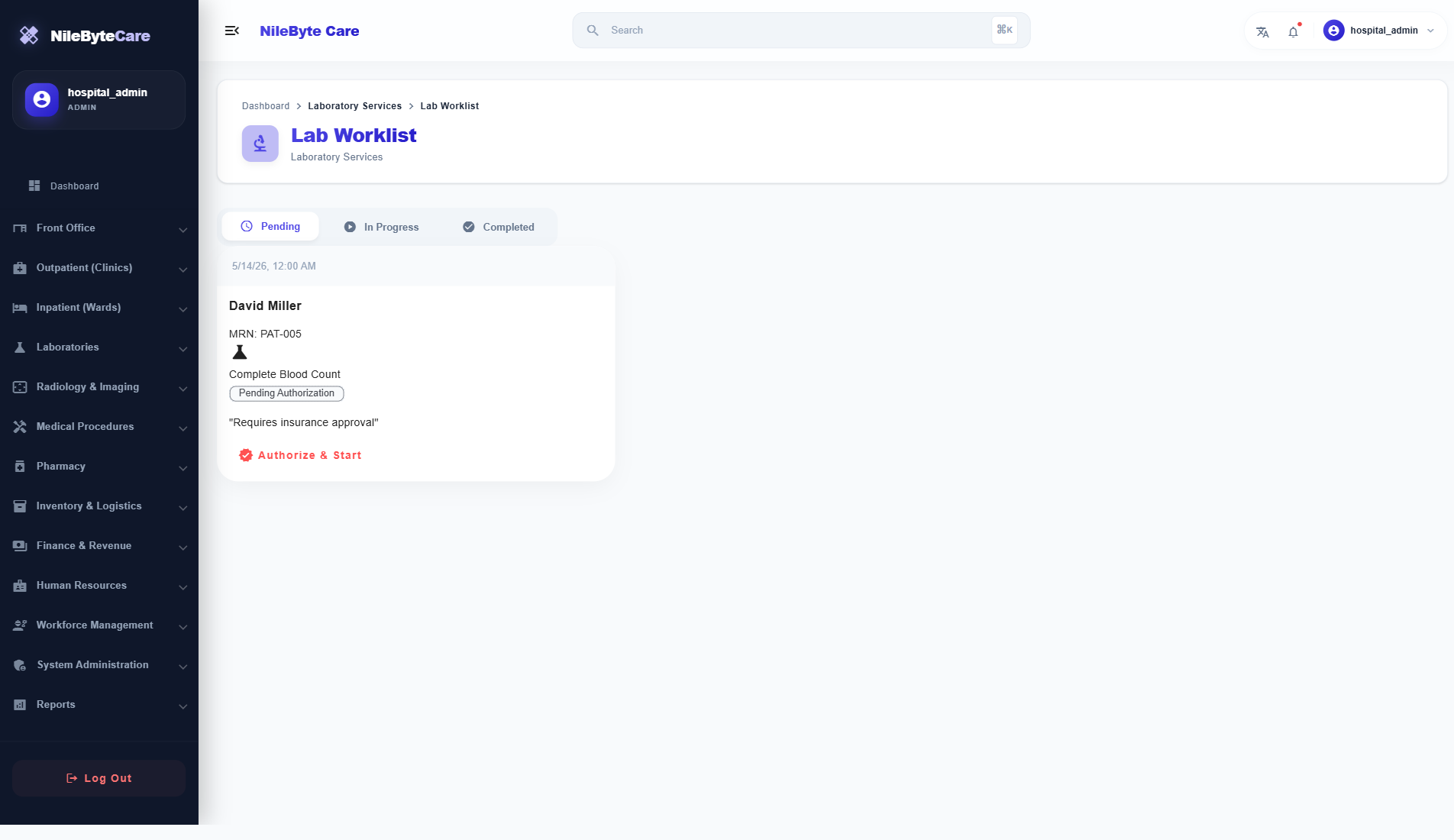
- Lab Worklist — Filter by category, priority, date, ordering clinician
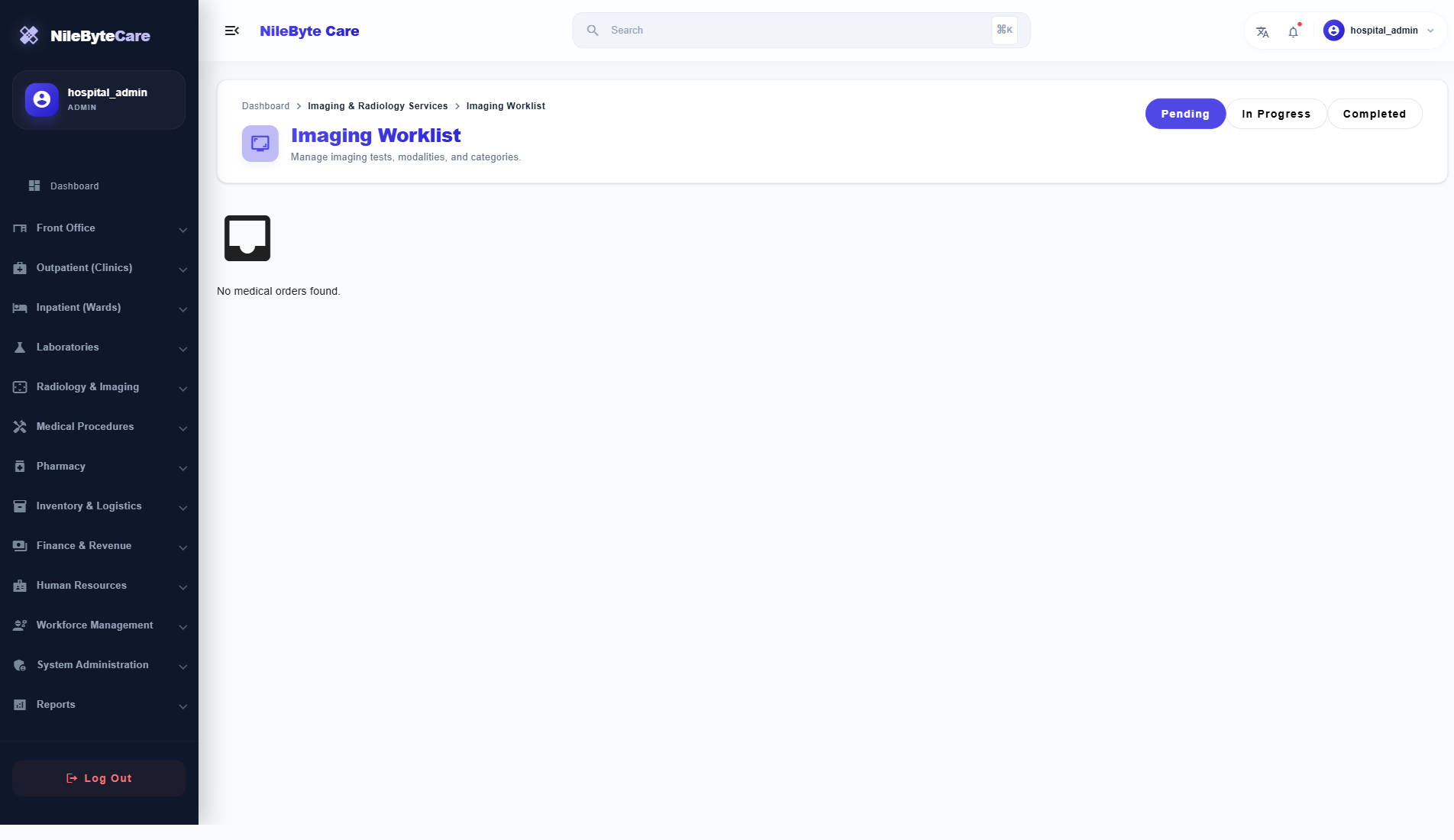
- Imaging Worklist — Filter by modality (MRI, CT, X-Ray, Ultrasound)
- Procedure Worklist — Filter by category and status
Worklists show:
- Patient information
- Ordered test/procedure
- Priority level
- Ordering clinician
- Order date/time
- Current status
Results Flow
When results are ready:
- Department technician enters results in the system
- Results are signed off (password verification for quality control)
- Notification sent to ordering clinician
- Results appear in the patient’s encounter and medical record
- Out-of-range values are visually highlighted
Prior Authorization
For insurance-reimbursed orders, the system can require prior authorization:
- Order flagged for authorization
- Authorization request submitted to insurance payer
- Status tracked until approval/rejection
- Order proceeds only after approval
Benefits
- Eliminate paper order forms — No more lost or illegible orders
- Reduce turnaround time — Results delivered faster
- Improve accuracy — Structured data entry reduces errors
- Track everything — Every order is traceable from request to result
- Integrated billing — Every ordered service is automatically captured for invoicing
Unify your medical ordering with NileByteCare.
Author at NileByte — sharing insights on software and digital transformation.
Related Articles

Real-Time Notifications: Stay Informed Across Your Healthcare Facility
NileByteCare's real-time notification system keeps clinicians, nurses, lab technicians, and administrators informed with instant alerts delivered via SignalR.
Treatment Plans: Structured Care Pathways for Chronic Disease Management
NileByteCare's treatment plan module enables structured, multi-session care pathways for chronic disease management, physiotherapy, rehabilitation, and more.

Security and Access Control: Enterprise-Grade RBAC
NileByteCare's role-based access control ensures every user sees only what they need. Granular permissions, audit trails, and LDAP integration provide enterprise-grade security.