
The Insurance Challenge
Managing insurance claims in healthcare is notoriously complex:
- Multiple insurance payers with different rules
- Varying coverage percentages per service type
- Prior authorization requirements
- Claim rejection and resubmission cycles
- Manual reconciliation
NileByteCare’s insurance module automates and streamlines the entire process.
Insurance Setup
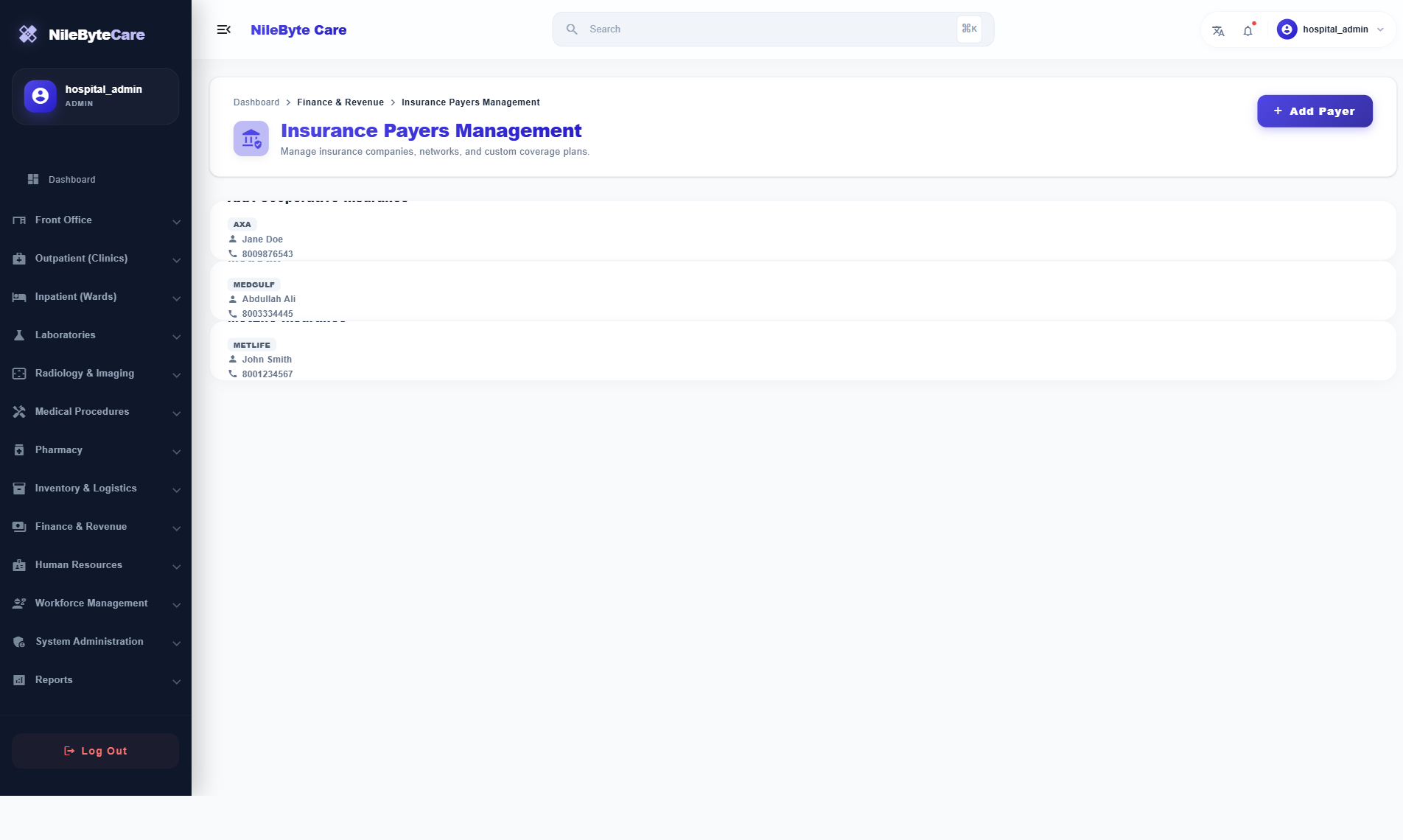
Payer Management
Register insurance companies:
- Company name and code
- Contact information
- Tax registration details
- Contract terms
Plan Configuration
Each insurance plan has detailed coverage rules:
| Setting | Options |
|---|---|
| Coverage % | Overall plan coverage (e.g., 80%) |
| Default Co-Pay | Patient share (e.g., 20%) |
| Deductible | Annual patient deductible |
| Annual Max Limit | Maximum annual payout |
Service-Specific Rules
Fine-tune coverage per service type:
- Consultation coverage %
- Lab test coverage %
- Imaging coverage %
- Pharmacy coverage %
- Procedure coverage %
- Exclusions list
- Prior authorization requirements
- Per-item rules for specific tests/procedures
Patient Policies
Link patients to insurance plans:
- Policy number and member ID
- Validity period
- Active/inactive status
- Dependents coverage
Claims Workflow
1. Auto-Calculation at Billing
When an invoice is created, the insurance split is calculated automatically:
- Patient’s active policy is detected
- Service-specific coverage rules applied
- Insurance portion and patient portion displayed
- Patient co-pay calculated
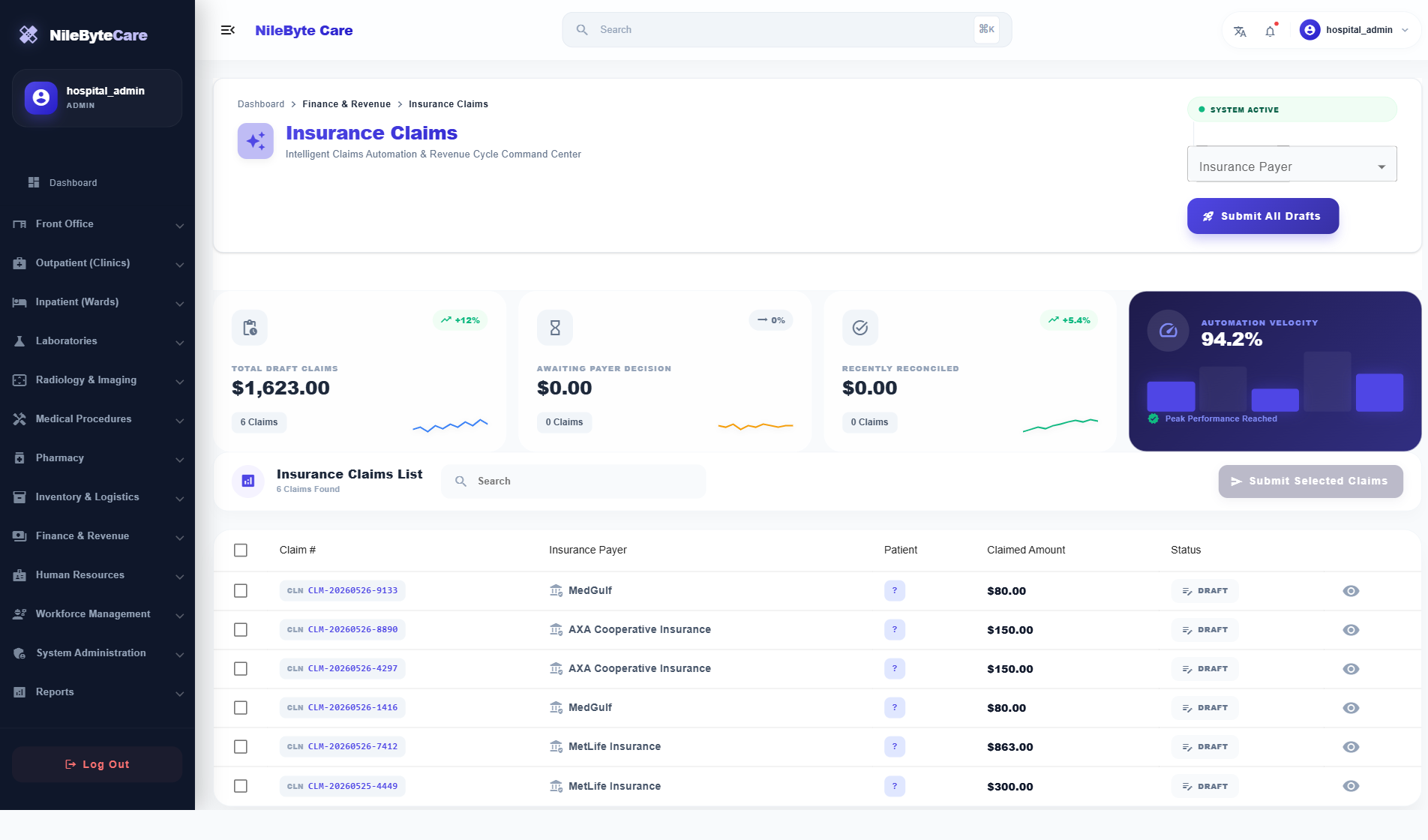
2. Claim Drafting
Claims are automatically drafted:
- Grouped by insurance payer
- Itemized with service details
- ICD-10 diagnosis codes included
- Prior authorization references attached
3. Prior Authorization
For services requiring pre-approval:
- Request sent to insurance payer
- Clinical justification documented
- Status tracked (Pending/Approved/Rejected)
- Service proceeds only after approval
4. Claim Submission
Claims can be submitted:
- Individually
- In bulk (batch submission)
- Electronically via clearinghouse
5. Reconciliation
When claims are processed by the payer:
- Approved amounts recorded
- Rejections tracked with reason codes
- Partial payments reconciled
- Resubmission workflow for rejected claims
Clearinghouse Support
NileByteCare supports multiple clearinghouse formats:
- ASC X12 — Standard US format
- NPHIES FHIR — Saudi Arabian format
- Standard XML — Customizable format
- CSV Export — Manual submission support
Dashboard and Reporting
| Report | Purpose |
|---|---|
| Pending Claims | Claims awaiting submission |
| Submitted Claims | Claims under processing |
| Approved vs Rejected | Approval rate analysis |
| Aging Claims | Claims by days since submission |
| Payer Performance | Average processing time by payer |
Benefits
- Faster reimbursement — Automated submission and tracking
- Reduced rejections — Pre-submission validation
- Lower administrative cost — Automation reduces manual work
- Better cash flow — Know exactly what’s outstanding
- Complete audit trail — Every claim tracked from draft to payment
Streamline your insurance operations with NileByteCare.
Author at NileByte — sharing insights on software and digital transformation.
Related Articles

Real-Time Notifications: Stay Informed Across Your Healthcare Facility
NileByteCare's real-time notification system keeps clinicians, nurses, lab technicians, and administrators informed with instant alerts delivered via SignalR.

Treatment Plans: Structured Care Pathways for Chronic Disease Management
NileByteCare's treatment plan module enables structured, multi-session care pathways for chronic disease management, physiotherapy, rehabilitation, and more.

Security and Access Control: Enterprise-Grade RBAC
NileByteCare's role-based access control ensures every user sees only what they need. Granular permissions, audit trails, and LDAP integration provide enterprise-grade security.